Spin Result
Customers can use points from their Points Wallet to play a lucky spin in the Member Portal (see Lucky Spin in the Member Portal guide). Each spin appears here with the prize it won. The page heading is Lucky Spin Report.
To open it: in the left menu, click Report > Spin Result.
Permissions
Set in Role & Permission:
| Item | Permission |
|---|---|
| Spin Result menu, list and Export | Reports > View spin result |
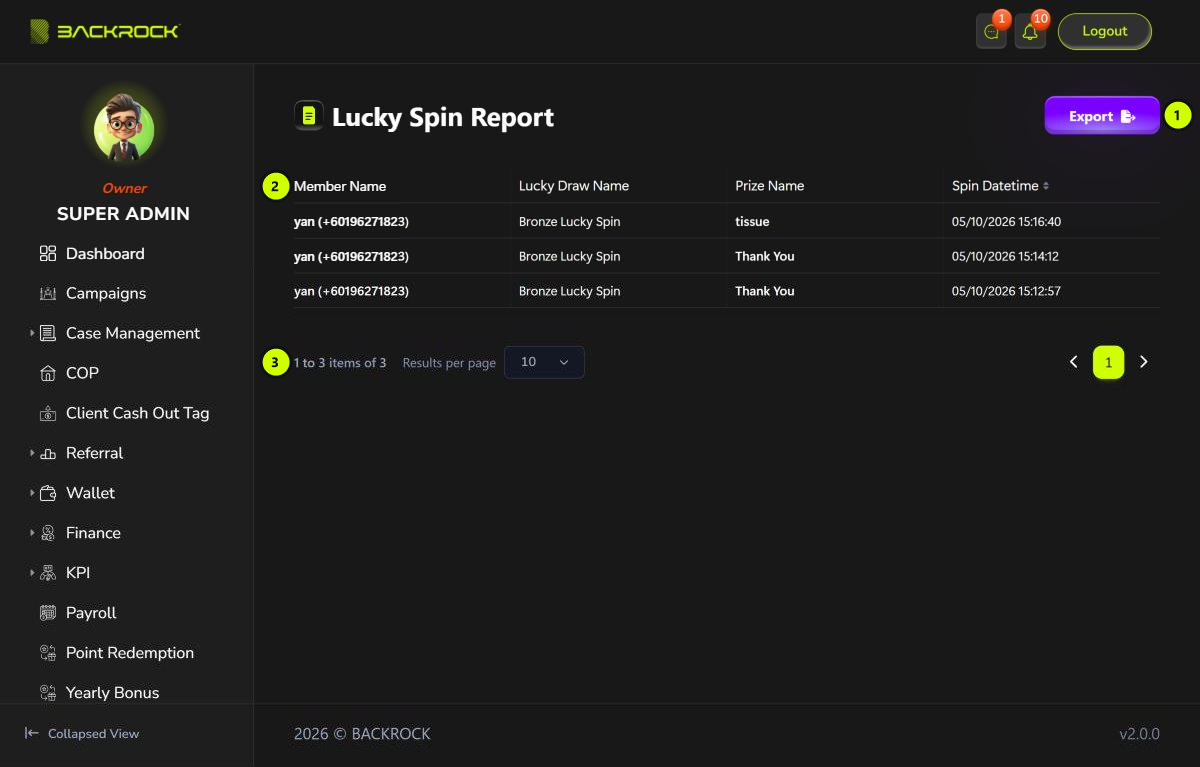
1. Export
Downloads all the spins as a CSV file that you can open in Excel, with the same columns as the table.
2. Spin table
The newest spins are shown first. Click Spin Datetime to sort.
| Column | What it shows |
|---|---|
| Member Name | The customer, with their phone number |
| Lucky Draw Name | The lucky spin they played |
| Prize Name | The prize they won, for example Thank You when there is no prize |
| Spin Datetime | When they played |
3. Pages
Use Results per page and the page numbers to move between pages.